01
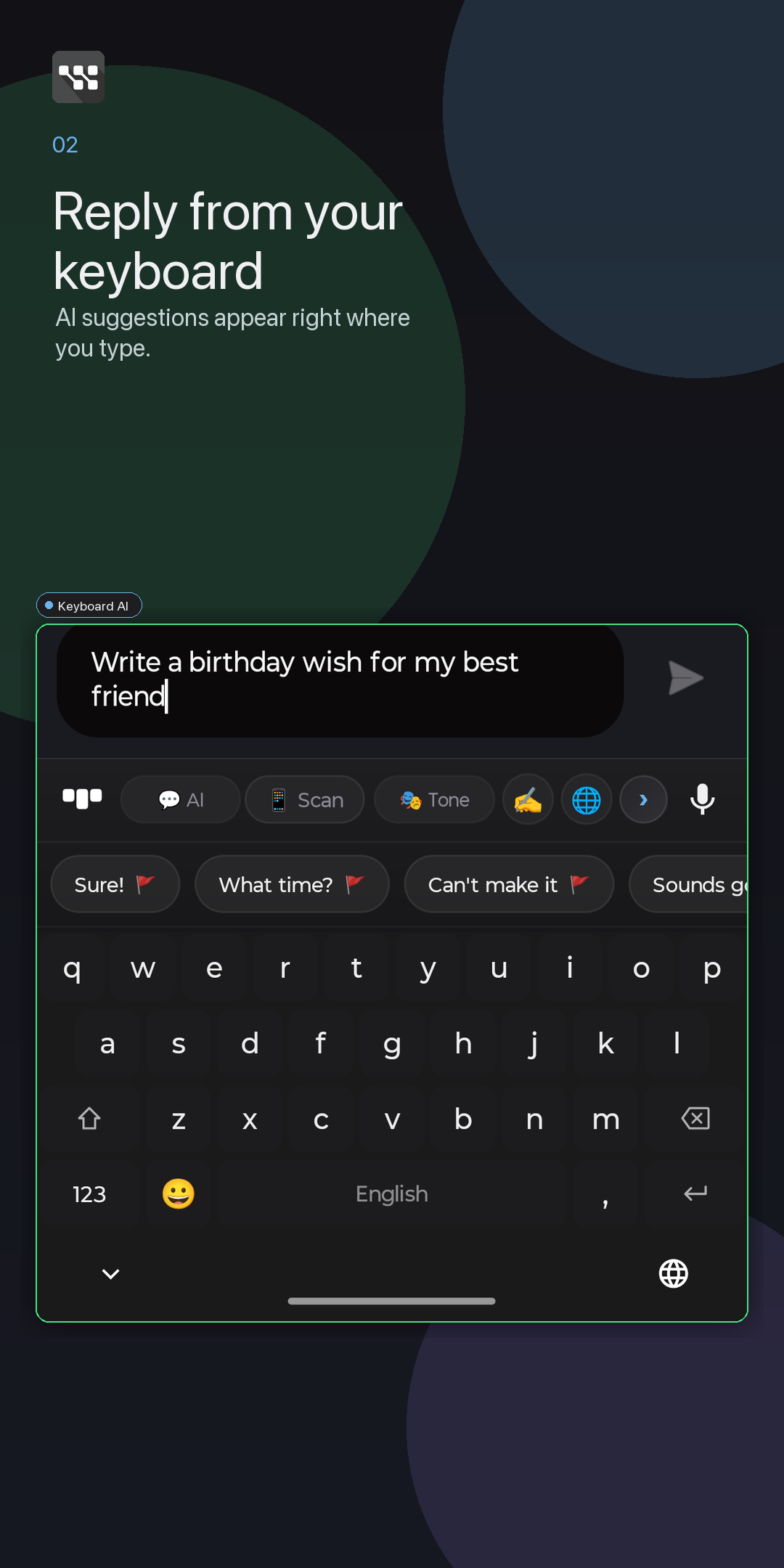
Reply from the keyboard
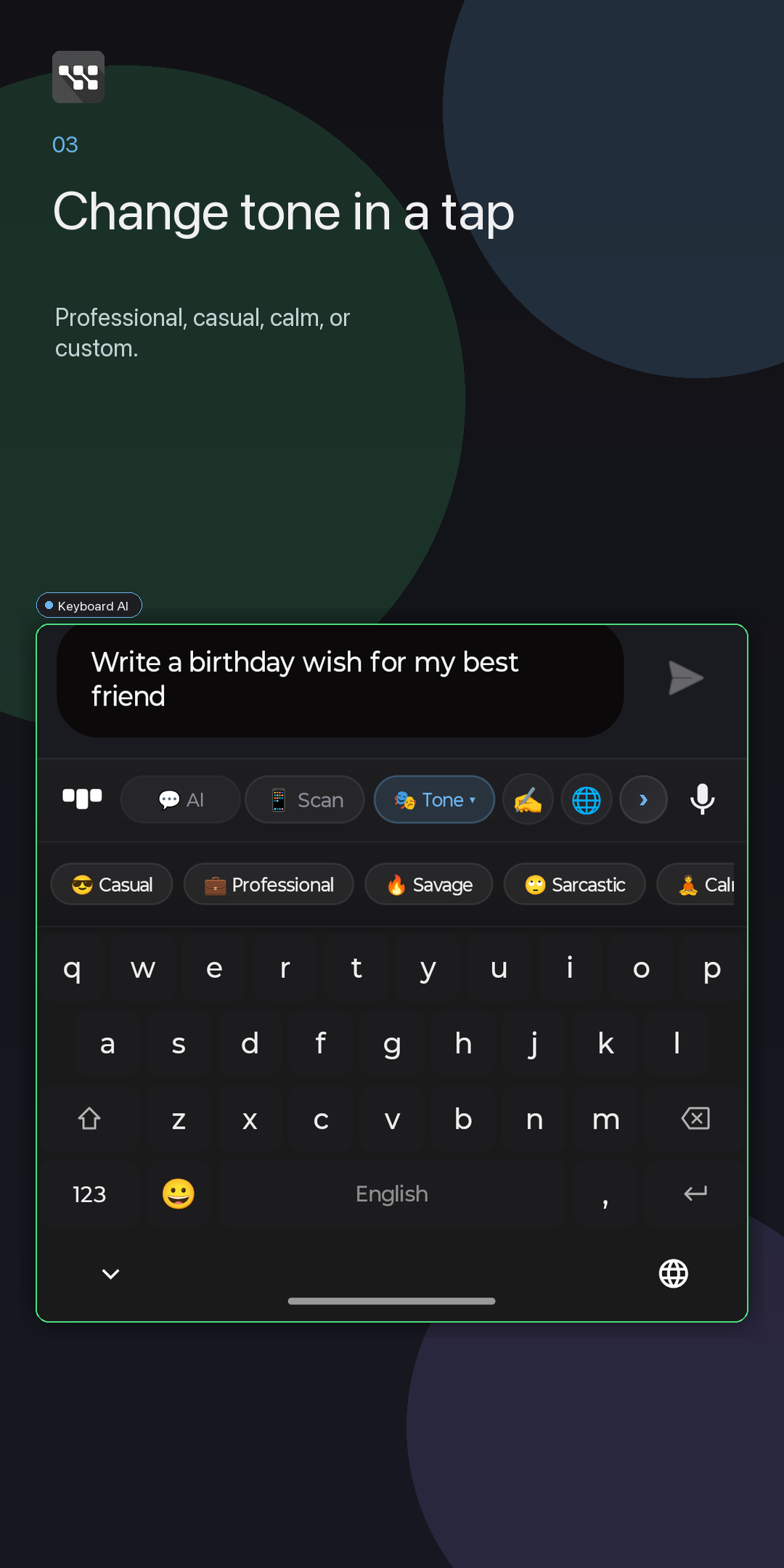
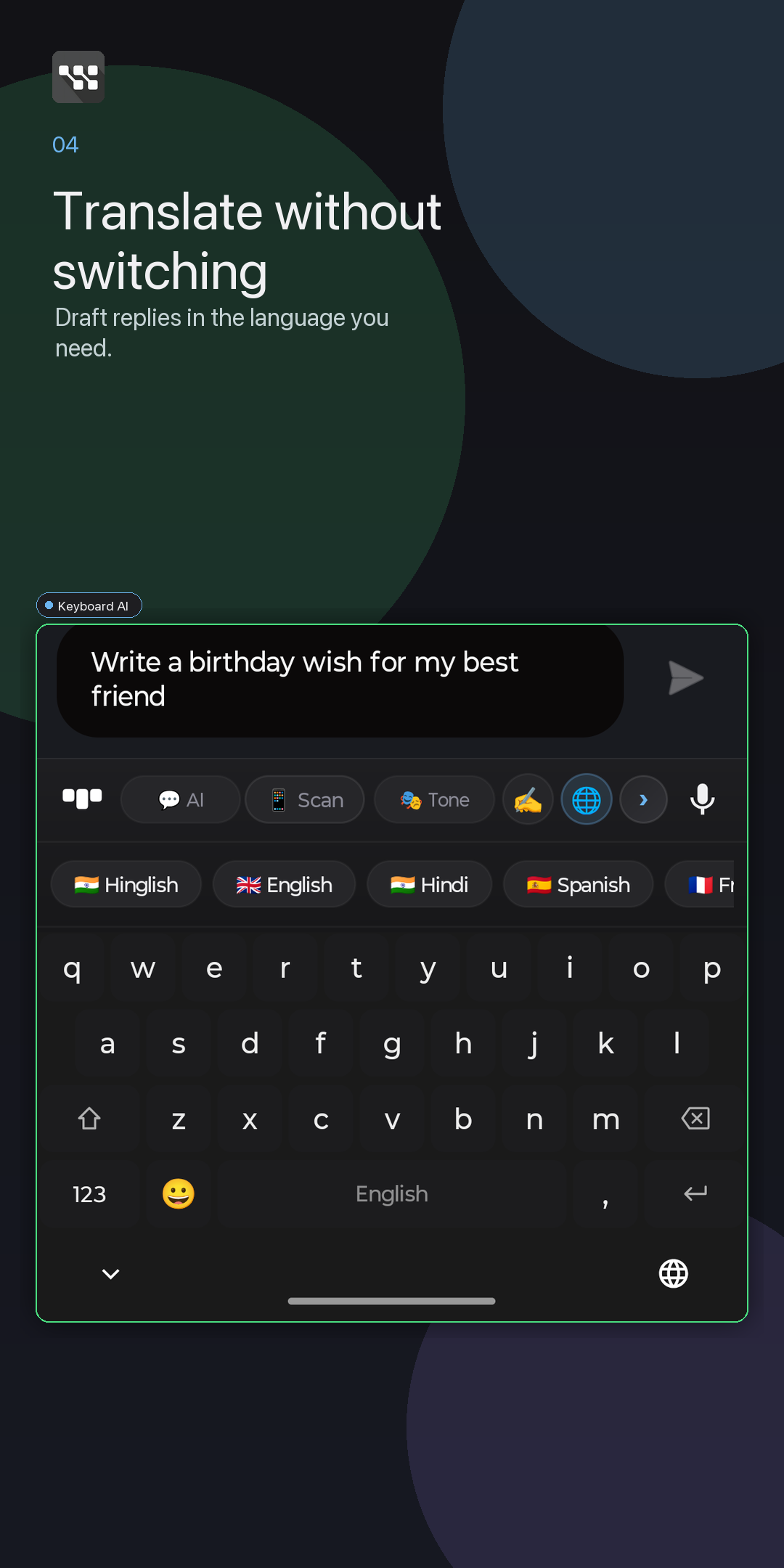
Smart replies, tone, grammar, translate, and AI Chat live where the user already types.
AI keyboard for Android
Reply faster, rewrite cleaner, translate quicker, and use AI Chat without leaving the app you are already typing in.
Why it exists
WittyKeys is built around the moment inside a real conversation: you received a message, you need to answer well, and switching apps breaks the flow.
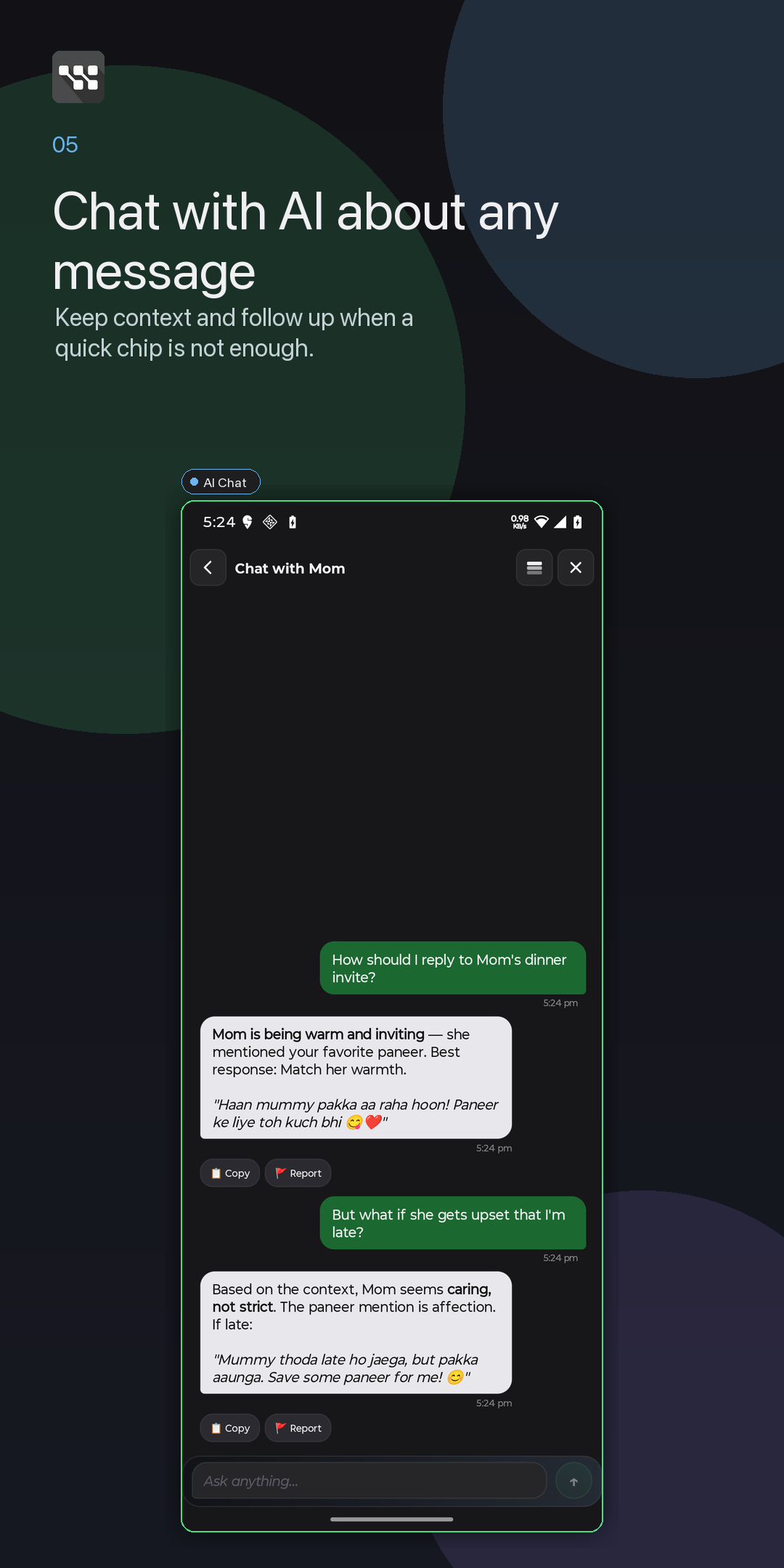
Smart replies, tone, grammar, translate, and AI Chat live where the user already types.
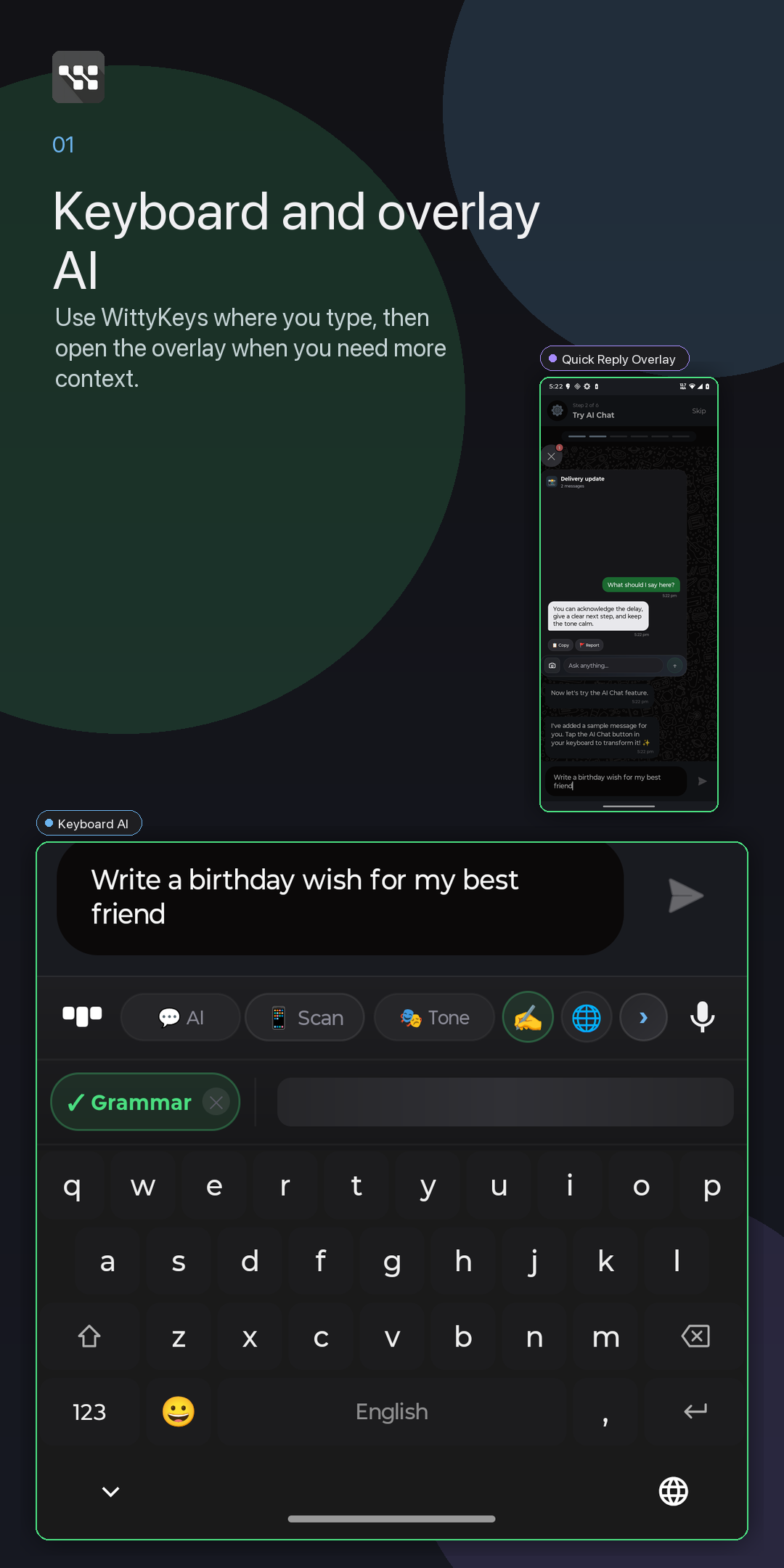
Ask AI about visible screen context or open Quick Reply cards without bouncing between apps.
Core use works anonymously. Optional permissions are explained only when they unlock a feature.
WittyKeys turns the Android keyboard into a focused writing assistant for smart replies, tone changes, grammar fixes, translation, voice typing, and AI Chat.
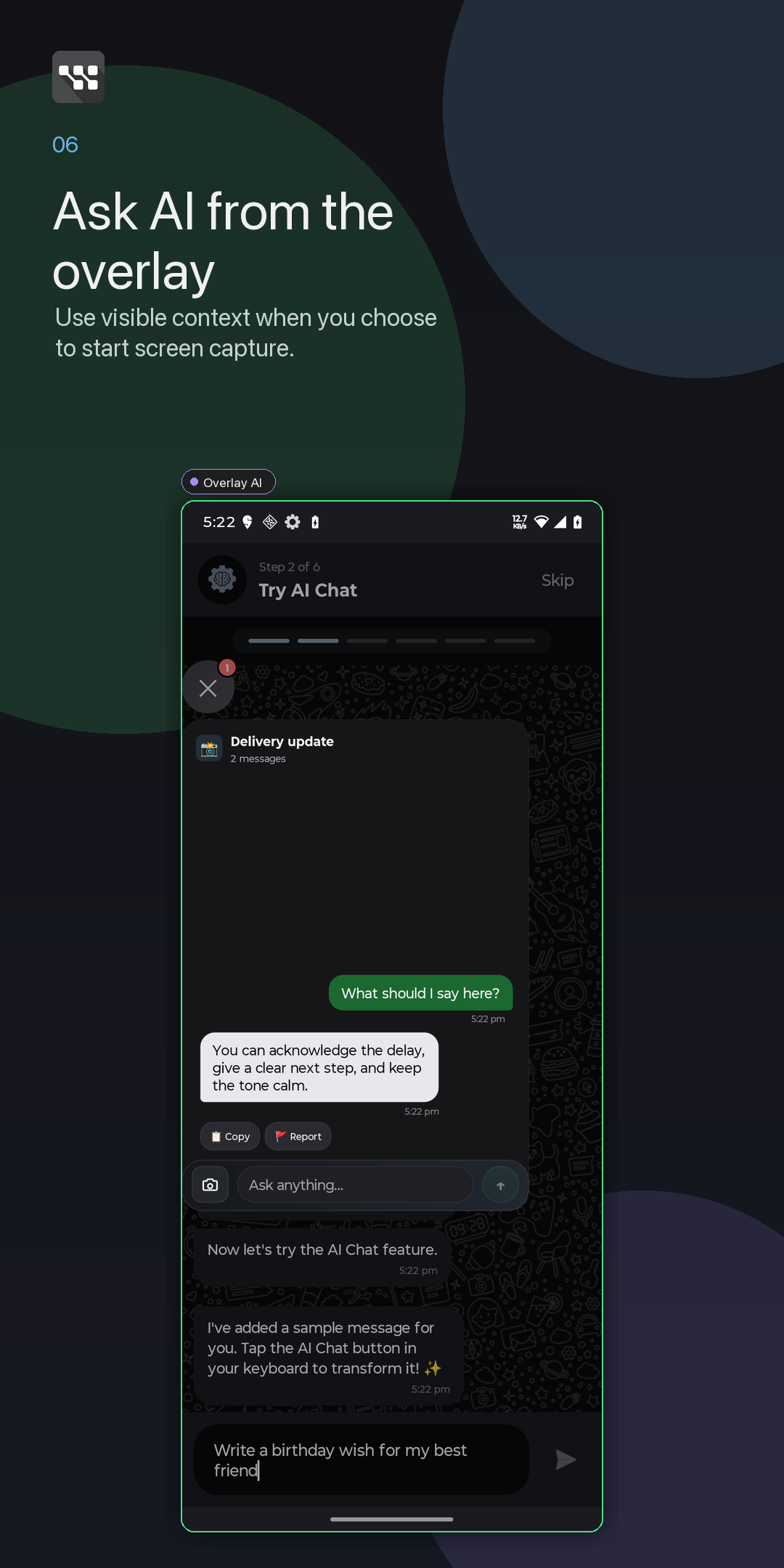
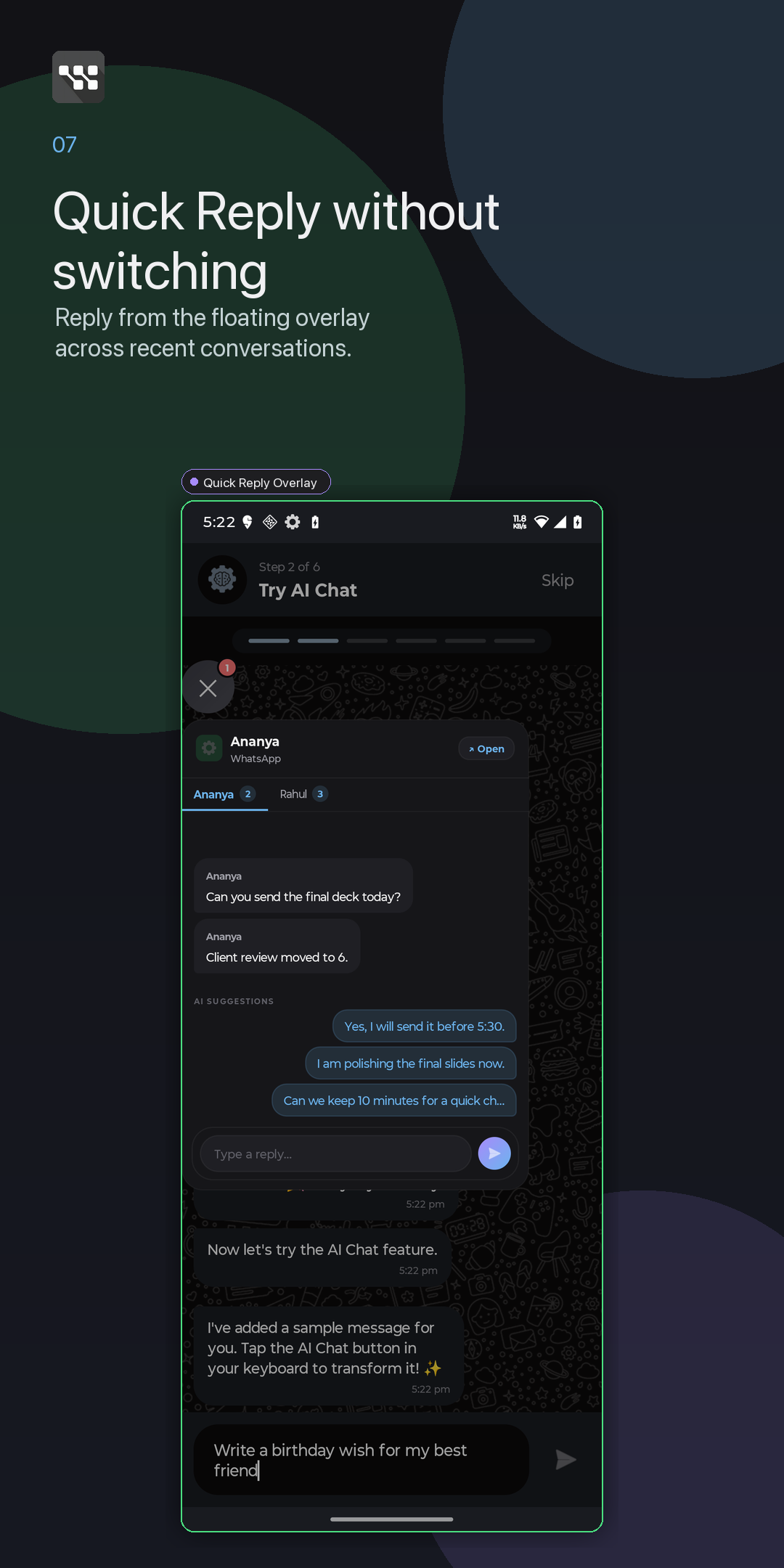
The floating overlay is for moments when the keyboard is not enough: asking about visible screen context or keeping recent reply cards close while another app is open.
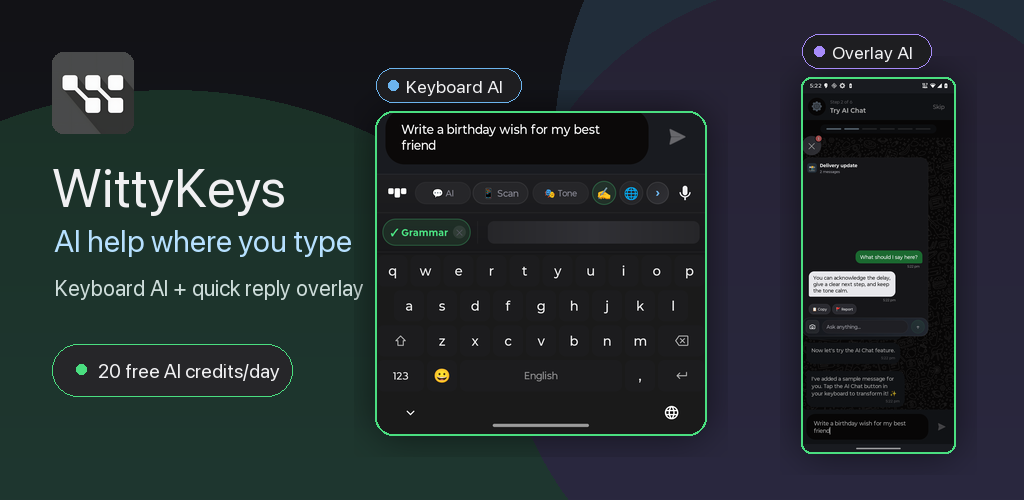
AI help where you type
WittyKeys brings smart replies, rewrite, translate, AI Chat, and optional overlay help into the apps where conversations already happen.
Free and Plus
Use WittyKeys anonymously with 20 AI credits per day for supported AI actions. Good for trying replies, rewrite, translate, Scan, and AI Chat.
Active Plus users see Unlimited in the app UI while subscription and account management controls continue to run in the background.
Privacy and permissions
WittyKeys explains why a permission exists before asking for it. No broad claims, no hidden magic, and no pretending to read attachment files from notifications.
Ready for Build 7.1
Download WittyKeys for Android and try smart replies, rewrite, translate, voice, AI Chat, and the optional overlay assistant.